“What exactly do we have to log for SOC 2?” is one of the questions we hear most from engineering teams. The honest answer disappoints people who want a checklist: the Trust Services Criteria say what outcome you need (detect anomalies and security events) and leave the design to you. That freedom is useful, but only if you can explain your choices and show them working.
This guide breaks down the logging and monitoring expectations behind a SOC 2 examination, offers a practical set of log sources, explains retention without inventing rules, and lists the evidence auditors usually ask for.
Which criteria cover logging and monitoring?
| Criterion | Focus | Logging connection |
|---|---|---|
| CC7.1 | Detection and monitoring procedures to identify configuration changes and new vulnerabilities | Configuration monitoring, vulnerability scanning |
| CC7.2 | Monitoring of system components for anomalies indicative of malicious acts, natural disasters and errors | Security event logging, alerting and review |
| CC7.3 | Evaluation of security events | Triage of alerts |
| CC7.4 | Response to incidents | Alert-to-incident workflow |
| CC6.1 / CC6.8 | Logical access and prevention of unauthorized software | Authentication and access logs, endpoint protections |
| CC4.1 | Ongoing and separate evaluations | Management review of control operation |
Always confirm exact wording against the criteria on the AICPA SOC suite page. If you are still orienting yourself, our explanation of the Trust Services Criteria gives the wider context.
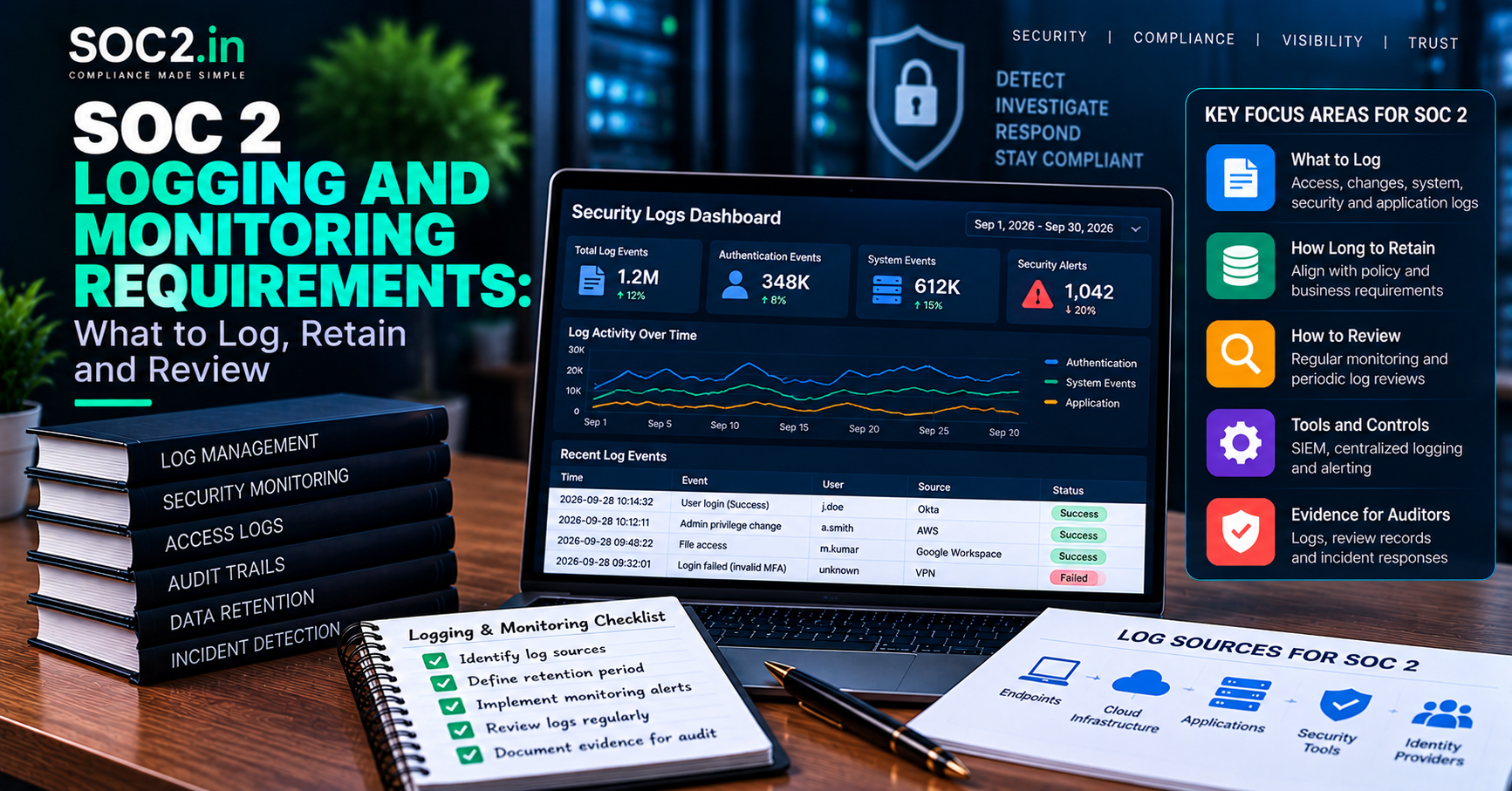
What should you log? A risk-based starting set
No regulator-style list exists inside SOC 2, but auditors consistently expect coverage of the systems that matter to your commitments. A sensible baseline for a SaaS company looks like this:
| Log source | Examples of events to capture | Why it matters |
|---|---|---|
| Identity provider and SSO | Logins, failed attempts, MFA changes, role assignments | Detects account compromise and privilege changes |
| Cloud control plane | API calls, IAM changes, security group and storage policy edits | Shows who changed infrastructure and when |
| Production servers and containers | Admin commands, service starts, errors | Evidence of unauthorized or failed operations |
| Applications | Authentication events, privileged actions, access to sensitive data | Supports investigation of misuse |
| Databases | Admin access, schema changes, unusual queries | Protects customer data stores |
| Network and perimeter | Firewall and WAF events, VPN access | Detects scanning and attacks |
| Endpoints | Malware or EDR alerts, device compliance status | Covers staff devices |
| CI/CD and source control | Merges, deployments, branch rule changes | Links to change management |
Your system description should name the systems in scope, and your logging should line up with it. See our guide on defining SOC 2 scope and system boundaries to decide what falls inside.
Logging is not monitoring
Collecting logs satisfies only half of CC7.2. Auditors want to know someone is watching. A typical set of monitoring controls includes:
- Alert rules for high-risk events such as repeated failed logins, new admin accounts, disabled logging, public storage buckets or unusual data egress.
- A defined owner or on-call rotation who receives and triages alerts.
- Routine log review where automated alerting is not enough, with a record of who reviewed what and when.
- Escalation from alert to incident ticket following your incident response plan.
- Tuning to cut noise. An inbox of thousands of ignored alerts is worse than a smaller set that people act on.
Protecting the logs themselves
Logs that an attacker or insider can delete are unreliable evidence. Reasonable safeguards include:
- Sending logs to a central, separate system or account with restricted write and delete rights.
- Enabling integrity features such as log file validation or write-once storage where available.
- Limiting who can administer the logging platform and reviewing that access, as part of your access review process.
- Alerting if logging is turned off or ingestion stops.
- Synchronizing system clocks so timelines can be reconstructed.
How long should you keep logs?
SOC 2 sets no fixed retention period. The right duration depends on your risk assessment, contractual commitments and legal requirements. Some regulations and customer contracts do specify retention, for example certain healthcare and financial rules, so check those obligations separately. Practical guidance:
- Keep logs long enough to investigate an incident discovered after some delay and to cover the audit observation period plus the time auditors may need to test it.
- Document your chosen retention in policy and configure systems to match.
- Use tiered storage, with recent logs searchable and older logs archived, to control cost.
The auditor tests whether your actual configuration matches your documented policy. A policy promising a year while the tool keeps thirty days is a classic exception.
Evidence auditors typically request
- Logging and monitoring policy or standard, with version history.
- An inventory showing which systems send logs where.
- Screenshots or exports of logging configuration (for example, cloud audit trail settings and retention).
- Alert rule configurations and the list of alert recipients.
- A population of alerts or security events during the period, with a sample showing investigation and closure.
- Evidence of periodic log review, if that is part of your control design.
- Vulnerability scan results and configuration monitoring outputs for CC7.1.
- Records showing monitoring changes were approved when logging is modified.
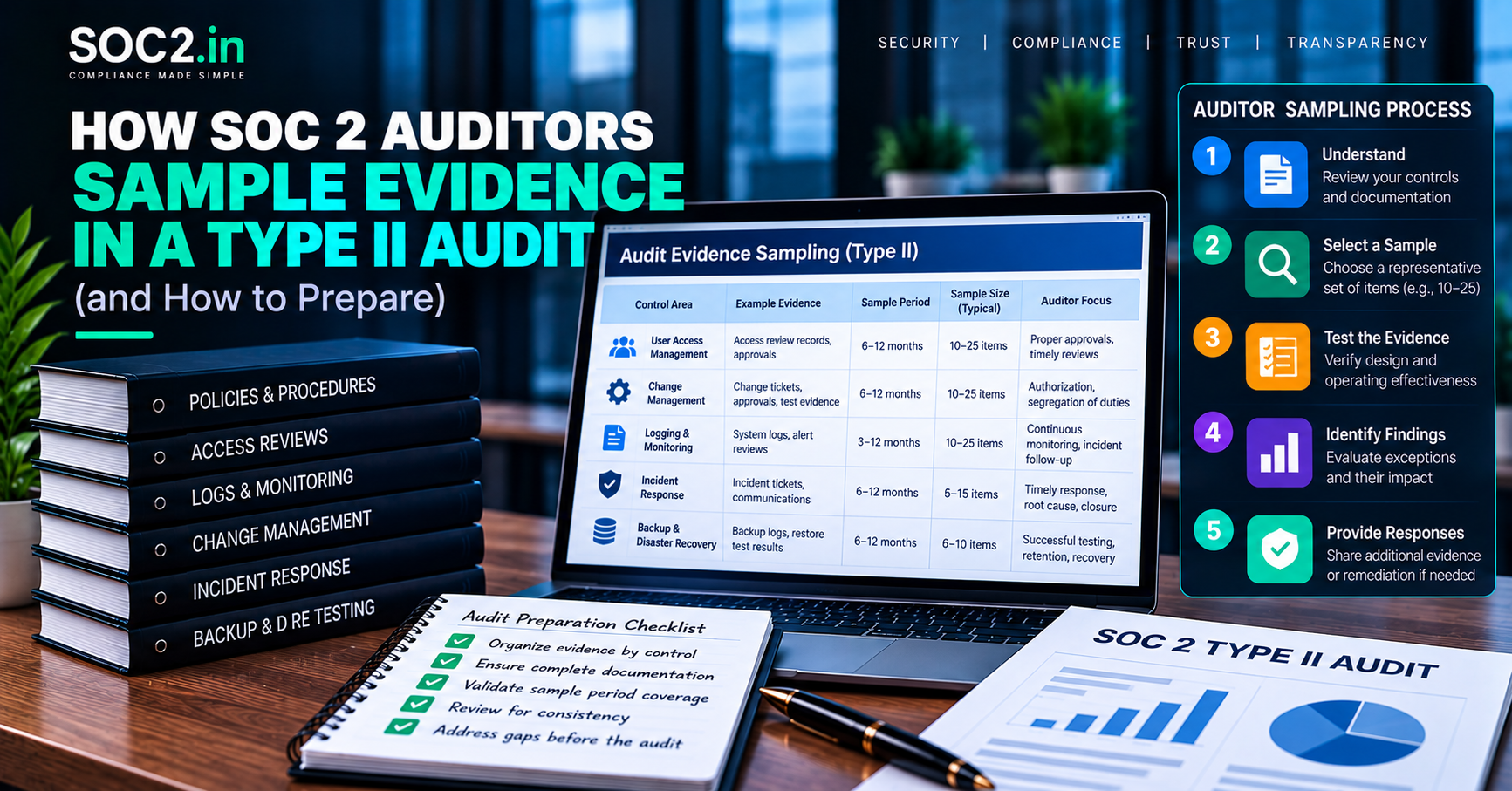
For how auditors then choose items from those populations, see how SOC 2 auditors sample evidence.
Common logging and monitoring mistakes
- Logs exist but nobody reads them. Alerts routed to an unmonitored mailbox are a frequent finding.
- Coverage gaps. A new microservice or cloud account launched without logging enabled.
- No evidence of review. Alerts handled in chat with no ticket leave nothing to sample.
- Retention mismatch between policy and tool configuration.
- Over-collecting sensitive data such as passwords, tokens or personal data in logs, which creates its own risk.
- Ignoring SaaS tools. Admin activity in your IdP, source control or ticketing system matters.
- Treating a tool as the control. Buying a SIEM or compliance platform does not prove anyone acts on its output.
Continuous monitoring and automation
Modern teams use tools to watch configuration drift, failed controls and security alerts around the clock. This approach, known as continuous controls monitoring, can strengthen your evidence considerably. Our guide to continuous controls monitoring for SOC 2 explains how to use it, and the article on continuous compliance shows how to stay audit-ready all year. Remember that automation records events; people still need to review, decide and document.
What this means for your business
Customers increasingly ask not whether you have logging but whether you can detect something wrong and respond. A small company does not need an expensive security operations center to meet the criteria. It does need clear coverage of critical systems, alerts that reach a named person, tickets that show follow-up, and logs that cannot be quietly altered.
Our SOC 2 readiness service reviews your logging coverage against your scope before the auditor does, and 24×7 GRC chat and Slack support can help your team keep alert and review evidence tidy month to month. The attestation itself remains the work of an independent CPA firm.
A 30-day plan to close logging and monitoring gaps
If you are not sure where you stand, a short structured sprint will show you. The plan below fits a small team and produces evidence as it goes.
- Week 1: inventory. List in-scope systems and mark which send logs to a central place. Note retention for each.
- Week 2: fill gaps. Enable cloud audit logs, identity provider logs and application authentication logs wherever they are missing. Send them to a protected location.
- Week 3: alerts. Create alert rules for a handful of high-value events, route them to a named owner or on-call channel and test each by triggering it safely.
- Week 4: process and proof. Write the short monitoring procedure, create the ticket template for alerts, record a first review and capture configuration screenshots with dates.
Repeat the review monthly. By the time the observation period is underway you will have a trail showing that logs exist, alerts reach someone and issues are tracked to closure. This feeds directly into your incident response process, and our SOC 2 readiness service can review your coverage against your scope.
Frequently asked questions
Does SOC 2 require a SIEM?
No. SOC 2 requires effective monitoring, not a particular product. Smaller companies often meet CC7.2 with native cloud logging, alerting rules and an on-call process. A SIEM can help at scale but is not mandatory.
How long must SOC 2 logs be retained?
There is no fixed period. Set retention based on risk, legal duties and contracts, document it, and make sure systems are configured to match.
Do we need to log every user action in our application?
Not necessarily. Focus on security-relevant events: authentication, privileged actions, access to sensitive data and configuration changes. Over-logging adds cost and privacy risk.
What is the difference between CC7.1 and CC7.2?
CC7.1 centers on detecting configuration changes and newly introduced vulnerabilities, while CC7.2 centers on monitoring system components for anomalies that indicate malicious acts or errors. Together they form the detection layer.
Do auditors review the raw logs?
Usually they inspect configurations, alert populations and a sample of investigated events rather than reading raw logs end to end. They may ask for log samples to confirm the data is being captured.
What if we use a managed detection and response provider?
That can support the control, but the provider may become a subservice organization or vendor. Keep their service documentation and assurance reports, and retain evidence of how you review their reporting.
Conclusion
SOC 2 logging and monitoring comes down to four questions you must be able to answer with evidence: what do you collect, who watches it, what happens when something looks wrong, and how do you keep the records trustworthy. Answer those with a risk-based design rather than a copied checklist, and CC7.1 through CC7.4 become far easier to demonstrate.