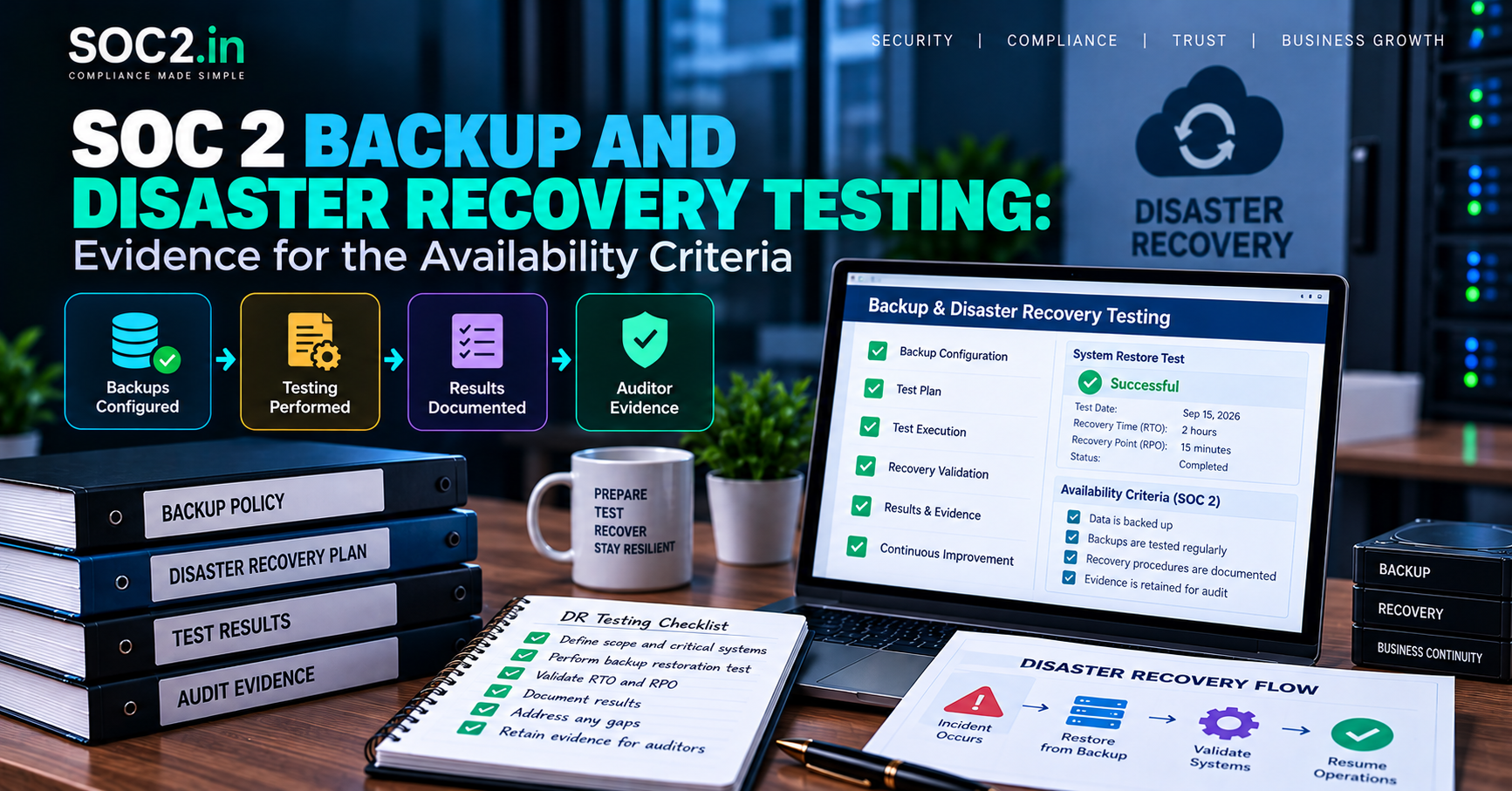
Almost every company that goes through SOC 2 can say, “Yes, we take backups.” Far fewer can show, with dates and screenshots, that they restored from those backups and that the restore met their own stated recovery targets. That gap between having backups and proving recovery is where many Availability findings come from.
This guide covers what auditors expect for backup and disaster recovery (DR) in a SOC 2 examination, how the controls map to the Trust Services Criteria, which objectives to define, how to run a test that produces usable evidence, and the mistakes that most often lead to exceptions.
Is backup and DR part of every SOC 2 report?
It depends on which Trust Services Categories are in scope. Security (the Common Criteria) is always included. Availability is optional and is added when customers care about uptime and recovery. Many SaaS companies include it because enterprise buyers ask for it.
- If Availability is in scope: A1.1, A1.2 and A1.3 apply. They address capacity, environmental protections and backup, and recovery testing.
- If only Security is in scope: backup and recovery still come up through CC9.1 (identifying and mitigating risks from business disruption) and CC7.5 (recovering from security incidents). Auditors rarely ignore the topic entirely.
Check the current criteria text on the AICPA SOC suite page. For a refresher on how the categories fit together, see our guide to the five Trust Services Criteria.
How the criteria map to backup and DR controls
| Criterion | Focus | Typical control |
|---|---|---|
| A1.1 | Capacity management | Monitoring of capacity and forecasting so systems meet commitments |
| A1.2 | Environmental protections, software, data backup and recovery infrastructure | Automated backups, offsite or cross-region copies, redundancy, alerting on backup failures |
| A1.3 | Testing of recovery plan procedures | Documented restore tests and DR exercises with results |
| CC9.1 | Risk mitigation for business disruption | Business continuity planning tied to the risk assessment |
| CC7.5 | Recovery from identified incidents | Recovery steps within incident response, plus lessons learned |
Define your own recovery objectives first
Auditors test against what you say you do. So the first job is to write down objectives that are realistic for your business.
- Recovery Time Objective (RTO): how long a system can be down before the business impact becomes unacceptable.
- Recovery Point Objective (RPO): how much data loss, measured in time, you can tolerate. An RPO of one hour means backups or replication must be at least that frequent.
- System tiering: not every system needs the same objectives. A production database and an internal wiki should not share the same RTO.
Write these into your business continuity and disaster recovery documentation and align them with commitments in customer contracts and your public SLA. A mismatch, such as promising 99.9% uptime while documenting a 72-hour RTO, is something auditors and customers both notice. Your SOC 2 risk assessment should show how those objectives were chosen.
What good backup controls look like
Coverage
List the systems and data stores that hold customer or critical business data: production databases, object storage, configuration and secrets stores, source code repositories and key SaaS tools. Confirm each has a backup method or an explicit, risk-based reason it does not.
Frequency and retention
SOC 2 sets no required backup frequency or retention period. Choose values that meet your RPO and legal or contractual retention needs, then document them. Typical designs include continuous or point-in-time recovery for databases and daily snapshots for other data.
Protection of the backups themselves
- Encrypt backups at rest and in transit.
- Restrict who can delete or alter them, and consider immutable or write-once storage so ransomware cannot wipe them.
- Store copies in a separate account, region or location from production.
- Log and review access to backup systems.
Monitoring
Alert when backups fail or are skipped and keep tickets showing follow-up. Auditors often sample failed backup alerts to see whether someone investigated. For cloud-specific guidance, see our articles on AWS security controls for SOC 2 and cloud security best practices.
How to run a recovery test that counts as evidence
A recovery test is the single most valuable artifact for A1.3. Follow this sequence.
- Choose the scope. Start with your most critical system, usually the production database. Over the year, rotate through other systems.
- Pick a test type. Options include a backup restore into an isolated environment, a failover to a secondary region, or a tabletop walk-through of a full DR scenario. Restore tests prove the data is usable. Tabletops prove people know the plan. Mature programs do both.
- Write a test plan. State the objective, systems, success criteria (for example, restored within the documented RTO, data verified against a checksum or record count) and participants.
- Execute and capture evidence. Take timestamps, command logs or console screenshots, and the person who performed the work. Note how long each step took.
- Validate the result. Confirm the restored data is complete and the application works against it.
- Compare against objectives. If the restore took longer than the RTO, record that honestly.
- Document findings and fixes. Open tickets for gaps, assign owners and track them to closure.
- Get sign-off. A manager or the control owner reviews and approves the report.
A test that misses its objective is not a failure of the audit. It is evidence that the control detects problems. What auditors dislike is a test with no report, or a report with no follow-up.
Evidence checklist for the observation period
| Evidence | What the auditor checks |
|---|---|
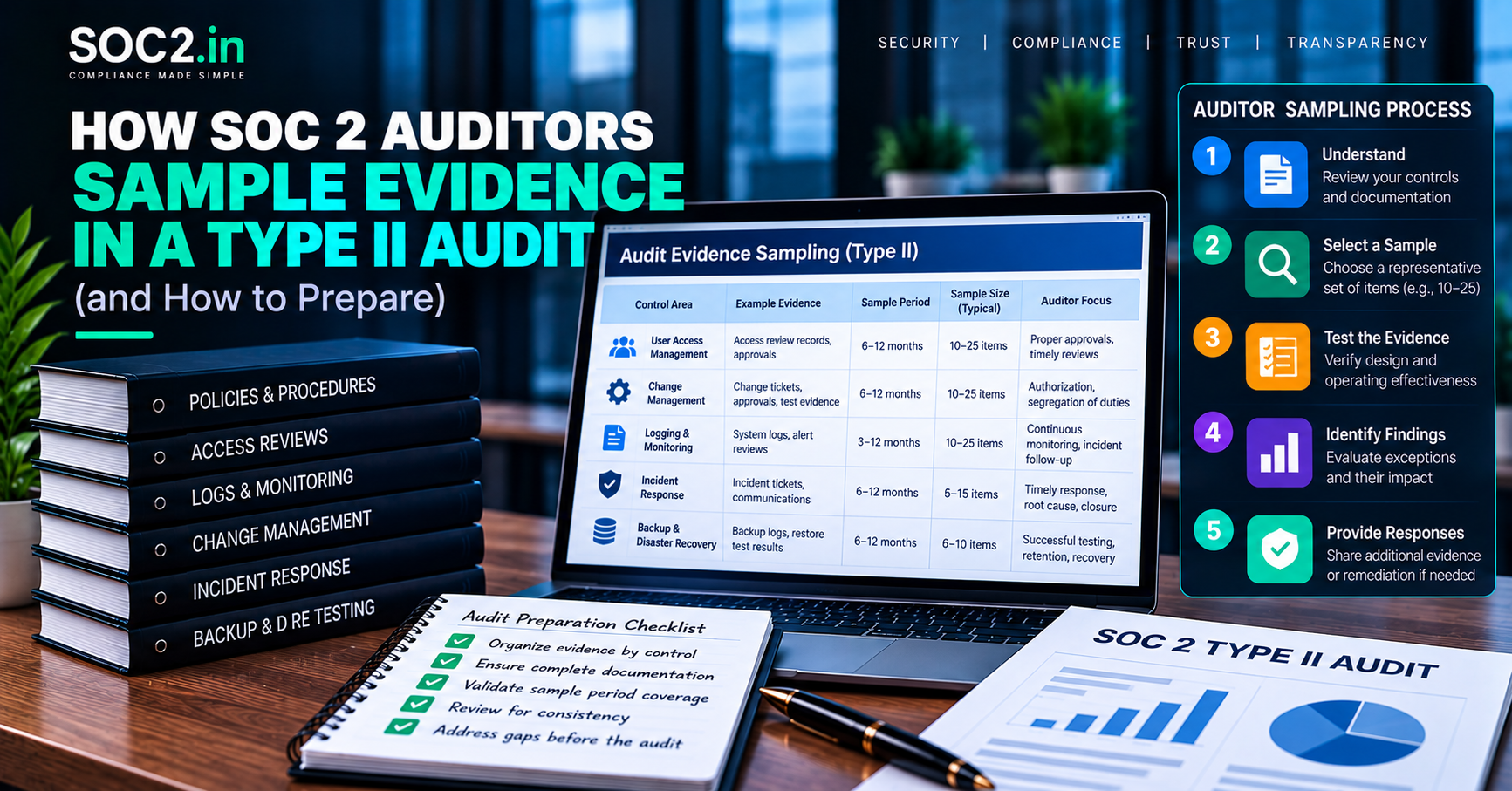
| Backup policy and BC/DR plan with approval and version history | Objectives defined and reviewed |
| Backup configuration (screenshots or exports) | Frequency, encryption and retention match policy |
| Backup job logs across the period | Backups ran consistently |
| Failed-backup alerts and tickets | Failures were investigated and resolved |
| Restore or DR test report | Test occurred, met success criteria, issues tracked |
| Redundancy or multi-zone architecture evidence | Single points of failure are mitigated |
| Subservice organization SOC reports | Hosting providers’ controls and your complementary controls |
That last item deserves attention. If your infrastructure runs on a cloud provider, their data center resilience is typically covered by their own SOC report, but your configuration of backups and replication is your responsibility. We explain that split in subservice providers and your SOC 2.
Common backup and DR mistakes
- Backups that were never restored. A backup you cannot restore is not a backup. This is the most common A1.3 finding.
- Testing only once, before the period starts. Controls should operate during the observation window. Schedule the test inside it. See the observation period explainer.
- Ignoring SaaS data. Code repos, ticketing and CRM data may be critical, yet they are often omitted from backup scope.
- Backups in the same account as production. One compromised admin credential can delete both. This also matters for ransomware, as covered in our ransomware and availability blueprint.
- Objectives that conflict with contracts. Align RTO and RPO with customer commitments.
- Documentation drift. The DR runbook references a tool you retired two years ago.
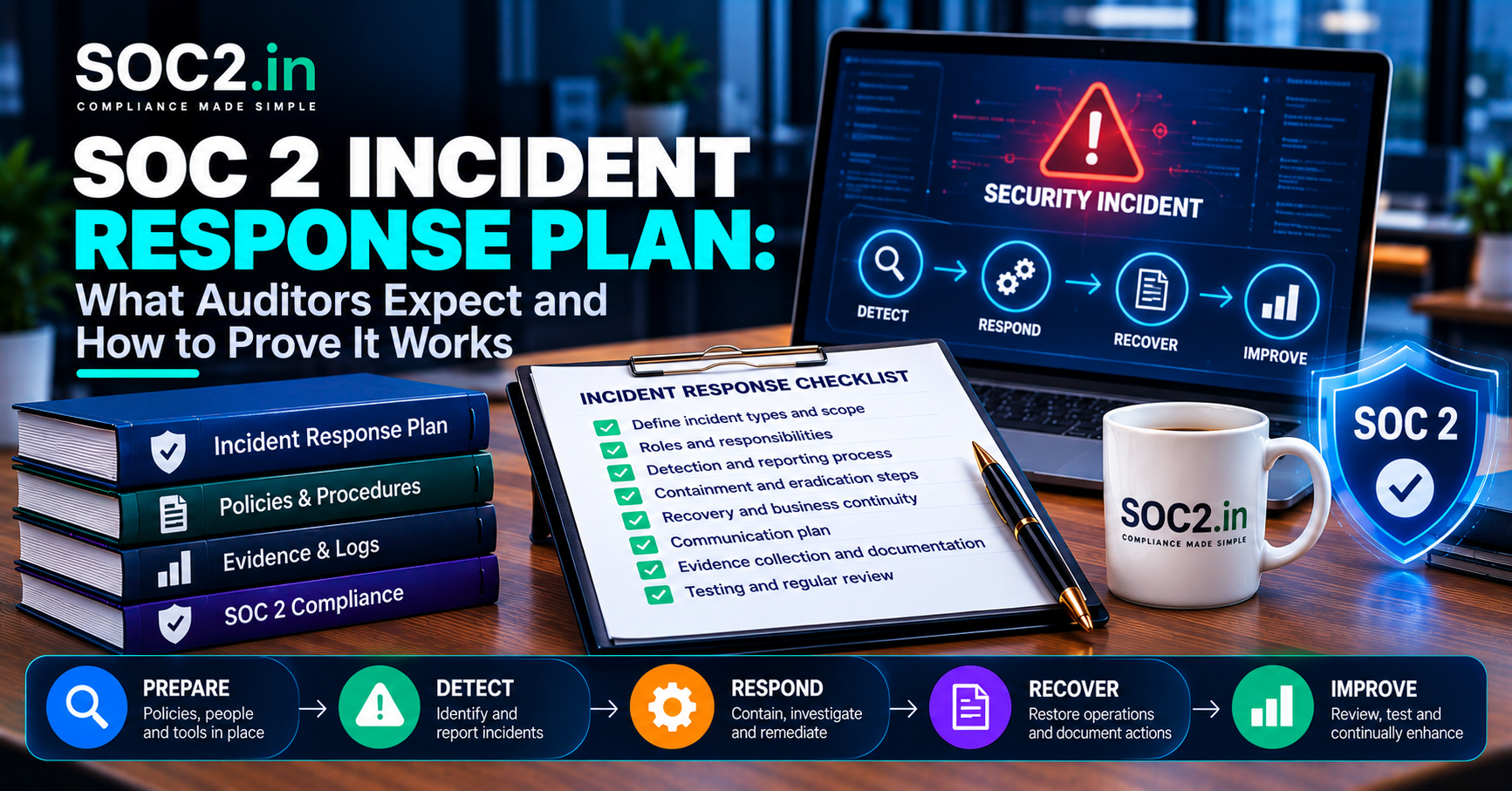
- No link to incident response. Recovery should be a step in your incident response plan, not a separate silo.
What this means for your business
If you sell to enterprise or regulated customers, expect questions about RTO, RPO and the date of your last restore test long before you reach the audit. Having a dated report ready shortens security reviews and strengthens your position. The reverse is also true: discovering during the audit that a backup cannot be restored is costly and can lead to an exception in the report.
Our SOC 2 readiness service includes checking Availability controls like these before the examination starts. Teams that want continuous help keeping evidence current can lean on 24×7 GRC chat and Slack support. The independent opinion itself is issued by a licensed CPA firm, and readiness support does not replace it. If you are choosing between report types, our Type I and Type II audit support page explains the options.
Frequently asked questions
Is disaster recovery testing required for SOC 2?
If the Availability category is in scope, A1.3 expects testing of recovery plan procedures. For Security-only reports, auditors still commonly ask how you would recover and whether it has been tested. SOC 2 does not specify the test frequency, so most organizations test annually.
How often should we test backups?
Many teams run a full restore test at least once a year and automate smaller verification checks more often. Set the frequency in policy and keep evidence that you followed it.
What RTO and RPO does SOC 2 require?
None. SOC 2 does not prescribe numbers. You define them based on business needs and customer commitments, and the auditor tests whether you meet them.
Does our cloud provider’s backup cover us?
Partly. Providers manage the physical infrastructure, but configuring snapshots, replication and access to your data is usually your responsibility under the shared responsibility model.
Is a tabletop exercise enough for A1.3?
It can support the control, but auditors generally prefer evidence of an actual technical restore as well, especially for critical systems. Combining both gives the strongest result.
What if our restore test fails?
Document the failure, fix the cause, retest and keep all records. A documented failure with remediation shows the control working. A hidden failure does not.
Conclusion
For SOC 2, strong backup and disaster recovery means defining realistic RTO and RPO targets, protecting backups from the same threats as production, monitoring failures and, above all, proving recovery through documented tests. Do that inside your observation period, track every gap to closure, and your Availability evidence will be one of the easier parts of the audit.