To use Drata for a smooth SOC 2 audit, configure the platform to align with your business, integrate your tech stack, and then create an audit in the Audit Hub. Provide Drata with access to your audit team, upload all necessary evidence, and complete the system description. For a Type 2 audit, ensure controls were operating throughout the specified period; for Type 1, all evidence must be complete by the audit date.
1. Configure Drata and prepare your environment
- Configure Drata: Map your key systems (like Okta, AWS, GitHub) to the Drata platform and align your policies with the SOC 2 framework.
- Define scope: Determine which Trust Services Categories (Security is mandatory, others like Availability or Confidentiality are optional) to include in your audit.
- Review vendors: Use the Drata Vendors module to add and review compliance documentation for your vendors, following the guidance for reviewing their SOC 2 reports or completing questionnaires.
2. Create the audit in Drata
- Navigate to Audit Hub: Find and select the “Audit Hub” tab in Drata.
- Create audit: Select “Create Audit” and enter the details, including the audit type (e.g., SOC 2) and audit period. Drata recommends a Type 2 audit period of at least six months to one year.
- Add auditors: Add your external auditors by selecting them from the dropdown or inviting them.
3. Provide auditor access and complete system description
- Grant access: After creating the audit, open it and give your audit team read-only access to download controls, tests, and requirements. Add the provided auditor team email address (e.g., grc@drata.sensiba.com).
- Complete System Description: This is a critical step. Involve stakeholders from different departments (engineering, operations, security, compliance) to create an accurate, objective description of your system.
4. Gather and upload evidence
- Drata’s automation: Leverage Drata’s automated evidence collection for controls like code repository security (e.g., protected branches, pull request requirements).
- Manual evidence: Upload any necessary manual evidence to the platform.
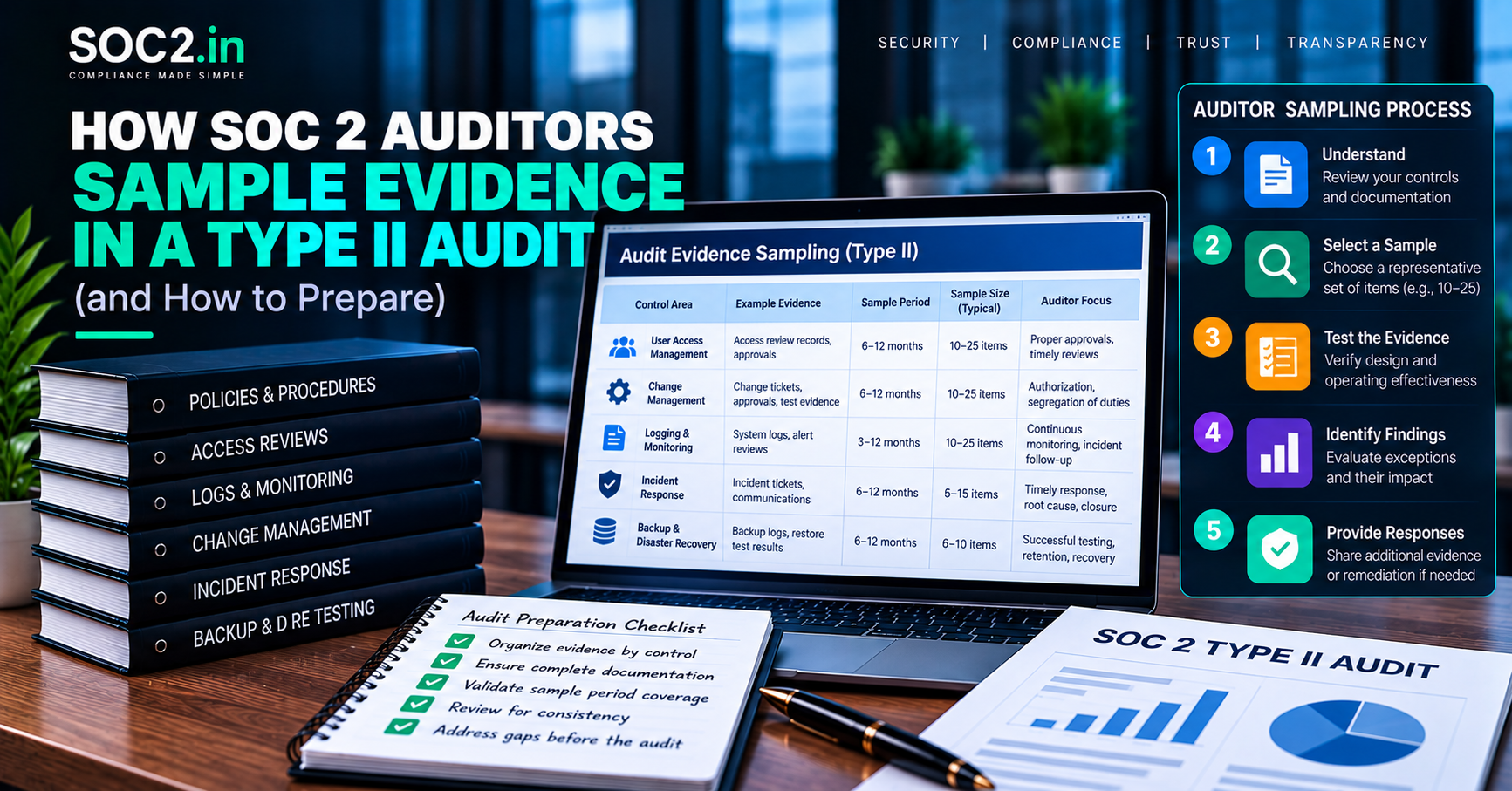
- Follow auditor guidance: Adhere to your auditor’s specific requirements for evidence, especially regarding the time period for your Type 1 vs. Type 2 audit.
5. Finalize and prepare for the audit fieldwork
- Final review: Once all evidence is in place and the system description is complete, prepare for the auditor’s review.
- Readiness assessment: Consider a readiness assessment to perform a practice run and identify any gaps before the formal audit.